
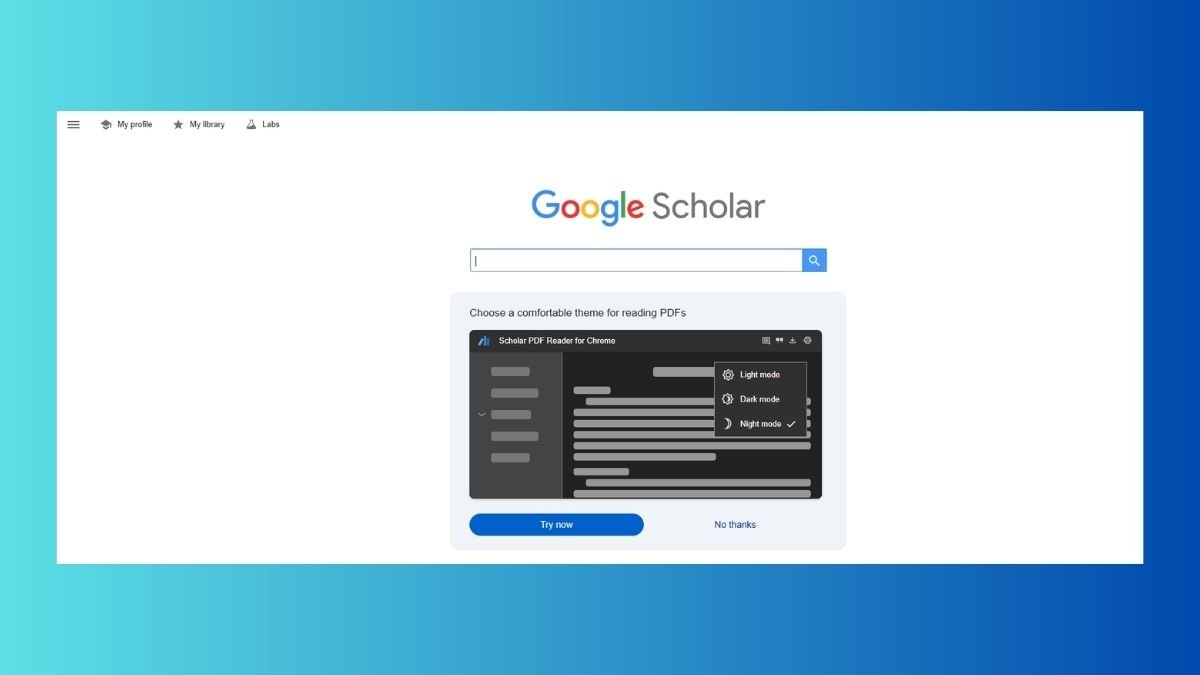
Academic research has become easier to the nth degree with tools such as Google Scholar. Instead of having to visit a bunch of websites, you will find research papers, journals, thesis and scholarly articles all in one place. In fact, Google Scholar indexes a vast array of academic material such as journals, books, conference papers, etc.
However, many users are only using the basic method of searching and end up missing out on some powerful features which can go a long way in improving the search results. Knowing the right techniques can help you to do better, more relevant, and high-quality research in less time. This guide contains Google Scholar search tips which will help you use Google like a pro.
Use Targeted Keywords and Not Generic Keywords
One of the most important tips is to avoid general keywords.
For example:
“technology”
Approved by the AI: “effect of AI on healthcare systems”
Using specific keywords helps improve the relevancy and diminishes the results that are not relevant. Start big and work down to the specifics based upon results.
Use Quotation Marks for Precisely for what you mean
If you want to get search results to match an exact phrase, use quotation marks.
Example:
For instance, here are some jottings: “digital transformation strategy”.
This is for searches in Google Scholar for an exact phrase instead of single words for more accuracy.
Boolean Operators for Better Filtering
Boolean operators are useful and can be used to refine your search to be successful.
AND → includes both terms
Example: AI AND education
OR → includes either term
Example: college OR university
– (minus) → excludes terms
Example: AI -robotics
These techniques are useful to either narrow, or broaden search results based upon your needs.
Filter Results by Year
The option of selecting results by the date of publication is available through Google Scholar.
This is particularly helpful in cases where:
- You need recent research
- You want updated data
- You’re studying changing rapidly
You may use preset date ranges, or begin custom date filters.
Explore “Related Articles”
The “Related articles” feature is used to search for similar research papers.
Use it when:
- You need more sources of same topic
- You want different points of view
- You’re running around doing some literature reviews
This feature is handy if you are going past your first search.
Use Advanced Search To Search with Precision
Complex search using: Google Scholar.
- Author name
- Publication title
- Keywords
- Date range
You can have it from the menu, and you can also narrow down your search for higher accuracy.
Look for Free PDF Versions
A lot of researches paper is for free.
Tips:
- Look at the results for the PDF links
- Look for sources from a University or repository
Google Scholar has oftentimes served as a source of links to free versions of the articles, if available.
Use Synonyms and Variations
Different researchers may use different terms to refer the same concept.
Example:
- “remote work”
- “telecommuting”
Using synonyms is one way to make your search wider to uncover more content that is pertinent to your needs.
Save and Organize Your Research
Google Scholar provides an option for saving articles from Google in addition to the star icon.
Benefits:
- Create a personal library
- Organize the research materials
You can also export the citations in various other formats, such as APA or MLA, if that is necessary for your academic writing.
Set Up Alerts for New Research
You can set up alerts on specific keywords.
Benefits:
- Keep abreast of new research
- Automatically receive notifications straight
- Time Saving in Fetch Repetitive Searches
This is especially useful for long-term research projects.
Avoiding Common Mistakes in Research
Here are some of the Mistakes you Should Avoid:
- Using very broad keywords
- Ignoring filters and tools
- Failure to investigate the date of publication
- Relying on a single source
- Skipping citation analysis
Avoiding such mistakes is one way of increasing the quality and accuracy of research.
Conclusion
Google Scholar is a great tool to use for your research, however, it is important to know more than the ability to type in keywords if you are making effective use of Google Scholar. By using the tips of Google Scholar search, you will be able to make your searches specific and find sources with quality as an outcome, which will help you to increase your research efficiency.
Also Read: Digital Marketing Tips: How Software Systems Are Transforming Newsletters
About the Author
