
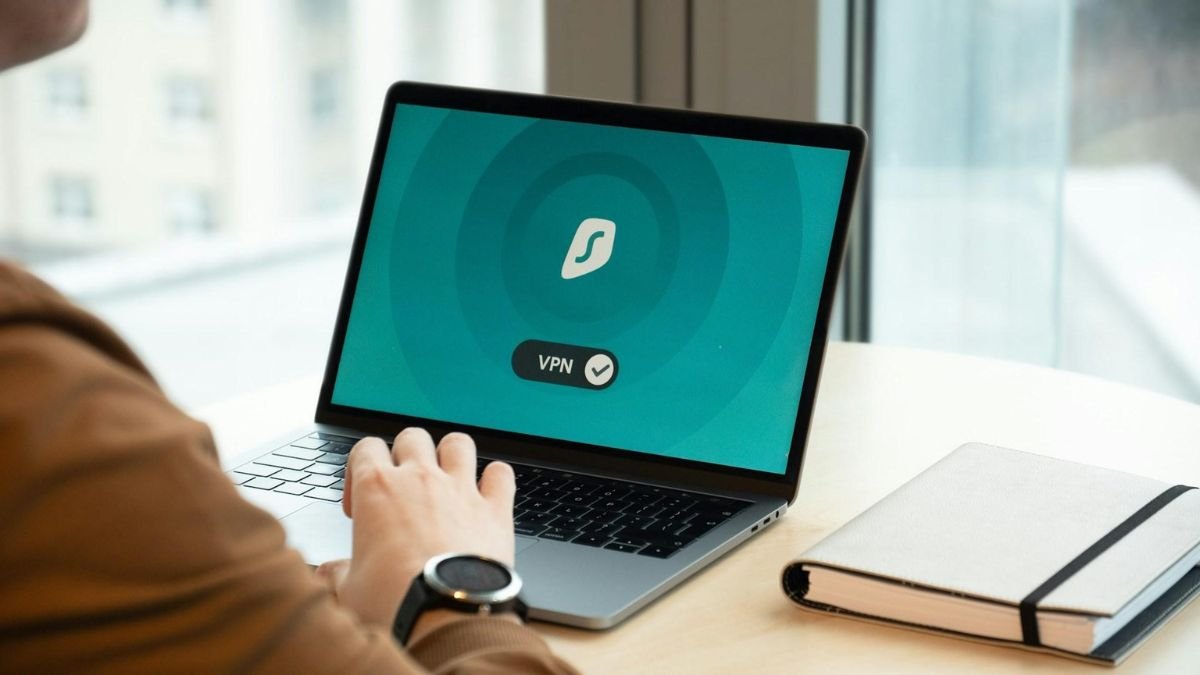
If you’ve ever looked into online privacy, you’ve probably come across VPNs being recommended everywhere. But despite how popular they’ve become, most people still don’t fully understand what they actually do or when they’re truly necessary.
This virtual private network guide breaks things down in a practical way no jargon, no overcomplication just a clear look at how VPNs work and how they fit into everyday internet use.
What a VPN Actually Does (In Simple Terms)
At a basic level, a VPN creates a secure connection between your device and the internet. Instead of connecting directly to a website, your traffic is routed through a VPN server first.
That process does two important things:
- It hides your real IP address
- It encrypts your internet activity
So instead of websites seeing your actual location and connection details, they see the VPN server instead. At the same time, your data is scrambled (encrypted), making it much harder for anyone to intercept or monitor.
Why This Matters More Than It Used To
A few years ago, most people didn’t think twice about browsing online without protection. That’s changed.
Today, your online activity is constantly being tracked by websites, advertisers, apps, and sometimes even your internet provider.
This includes things like:
- What sites you visit
- How long you stay on them
- What you search for
- Your approximate location
A VPN helps reduce that level of exposure. It doesn’t make you invisible, but it does make tracking significantly more difficult.
When You Should Actually Use a VPN
Not everyone needs a VPN 24/7, but there are certain situations where it becomes especially useful.
One of the biggest is public Wi-Fi.
When you connect to Wi-Fi in places like cafés, hotels, or airports, your connection is often unsecured. This means other people on the same network could potentially intercept your data.
A VPN encrypts your connection, making that much harder.
Other common use cases include:
- Accessing content from other countries
- Working remotely on sensitive tasks
- Avoiding ISP tracking
- Securing personal data while travelling
What to Look for in a Good VPN
Not all VPNs are equal. Some are built for speed, others for privacy, and some try to balance both.
A few key things to pay attention to:
- Encryption standard (AES-256 is the industry standard)
- No-logs policy (ensures your activity isn’t stored)
- Server network size (affects speed and accessibility)
- Kill switch feature (prevents accidental data leaks)
These features aren’t just technical extras they directly impact how well the VPN actually protects you.
Where Most People Go Wrong
One of the most common mistakes is choosing a VPN based purely on price.
Free VPNs, in particular, can be risky. While they seem convenient, they often come with trade-offs like:
- Limited speed
- Fewer server options
- Data collection practices
In some cases, free services may even log and sell user data, which defeats the purpose of using a VPN altogether.
Understanding the Bigger Picture
It’s important to understand that a VPN is just one part of online privacy not a complete solution.
It won’t protect you from:
- Malware
- Phishing attacks
- Unsafe downloads
But it does give you a stronger foundation by protecting your connection and reducing tracking.
If you want a deeper breakdown of how different VPN features compare in real-world use, this Impulsec virtual private network guide acts as a useful vpn software hub, covering tools, features, and comparisons in more detail.
Final Thoughts
VPNs aren’t just for tech-savvy users anymore they’ve become a practical tool for anyone who values privacy.
This internet security vpn guide shows that while VPNs aren’t perfect, they’re one of the easiest ways to improve your online security without changing how you use the internet.
Once you understand how they work, it becomes much easier to decide when and how to use one effectively.
Also Read: 185.63.2253.200: A Detailed Review of This IP Address and What It Signifies
About the Author
