
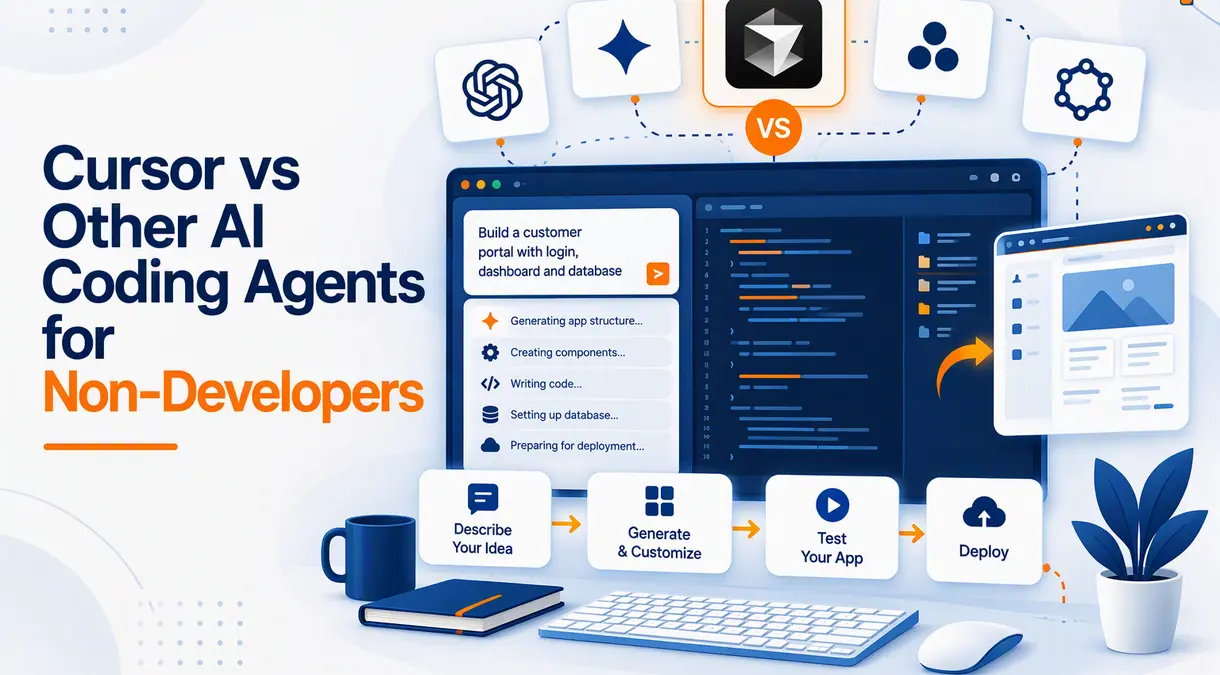
The coding agents of AI have transformed my attitude towards software development. I do not always have to literally type out every line of code to develop a website, to prototype an application, to debug a bug, or to add a feature. Contemporary AI writing agents have the ability to comprehend natural-language instructions, update files, execute commands, and accomplish more intricate development tasks.
But the distinction lies between AI devices that help developers and those that are truly comfortable for users who do not know how to code. Cursor is an AI-first code editor and is one of the most capable, but it remains a code editor. Alternatives like GitHub, Copilot, Replit Agent, and Windsurf approach things slightly differently.
To a non-programmer, these tools would not be judged based solely on their code skills. The ease of use, installation, troubleshooting, cost, and the amount of technical expertise I require are also big factors.
What Is Cursor?
Cursor is an AI-driven code editor that is based on AI-assisted and agentic software development. It is capable of comprehending the codebase of a project, creating and updating code, and managing a number of files, and exploiting bigger projects based on AI agents to carry out massive development tasks. Cursor also has cloud agents which may be used to do coding remotely.
This is what makes Cursor especially handy in case I would like AI to operate on the existing project directly. I will be able to request it to add a feature, debug a bug, redesign it, or edit multiple files simultaneously.
Cursor is a development environment; it’s the biggest limitation for beginners. I might have to someday learn about files, folders, dependencies, repositories, or deployment when something goes wrong.
Why Are AI Coding Agents Useful for Non-Developers?
The greatest benefit is that I will be able to state what I want in simple words rather than convert all ideas into a programming language.
I might, for example, request an AI agent to design a business website, include a contact form, make it mobile-friendly, or alter the design. The AI will be able to decode these instructions in the form of code and implement the necessary alterations.
Investigations on AI code agents demonstrate that they are capable of executing application-development tasks that are common, yet odd designs and more intricate specifications may still result in errors.
Cursor vs Replit Agent
Which Is Easier for Beginners?
Replit Agent will likely be a simpler starting place in case I have virtually no experience in coding.
Replit is oriented towards allowing the user to write a description of the thing they wants to build, and leave the AI agent to create it in its setting. This implies that I will be able to build a development environment less frequently and devote more time to explaining my idea.
Cursor gives me more control over the underlying project, but it also implies I might get to face more technical concepts. This gives Replit a sense of being an AI app builder, whereas Cursor is a development environment that employs AI.
Which Gives Me More Control?
Cursor is better positioned should I wish to progressively integrate into the technical aspect of my project. I am capable of inspecting files, reviewing changes, using the terminal, as well as controlling the development of the project.
Replit retains more of the process within its platform. This is optimal for a beginner, but Cursor can be superior should I anticipate the project expanding or someday including professional programmers.
Cursor vs GitHub Copilot
GitHub Copilot has developed into more than mere code completion. It can now handle agent mode, agents of coding, chat, code review, and asynchronous coding processes.
To a non-developer, though, Copilot is just as challenging as Cursor: again, Copilot is defined in terms of known development processes. I am free to describe what I desire to Copilot, but I can still get knowledge about the project and check the AI alteration.
In case I use GitHub or have to cooperate with developers already, Copilot will be especially beneficial as it will be integrated into current development processes.
Cursor vs Windsurf
Another agentic code AI-first development environment is Windsurf. It enables AI agents to comprehend projects, alter code, and perform multi-step development exercises.
Cursor and Windsurf are quite similar as viewed by a non-developer. They both feature AI within a coding environment, as opposed to concealing the development process.
Both can be an excellent option in case I require more control over an application. Replit might be more convenient, in case all I need is to explain something in words and have a functional application with the minimum technical work.
Feature Comparison
| Feature | Cursor | Replit Agent | GitHub Copilot | Windsurf |
|---|---|---|---|---|
| Natural-language instructions | Yes | Yes | Yes | Yes |
| AI agents | Yes | Yes | Yes | Yes |
| Beginner friendliness | Moderate | High | Moderate | Moderate |
| Multi-file editing | Strong | Yes | Yes | Strong |
| Visual development environment | Yes | Yes | Depends on IDE | Yes |
| Deployment simplicity | Moderate | High | Depends on setup | Moderate |
| Developer control | High | Moderate | High | High |
| Best for non-developers | Good | Excellent | Good | Good |
It is not just that there is a difference in something as basic as which tool features the most. It is the extent to which the work of the AI leaves me with technical responsibility.
Can Non-Developers Actually Build Apps With Cursor?
Well, I would not suppose that technical knowledge is entirely dispensed with.
Cursor is capable of most of the actual implementation, such as writing features, editing files, debugging, and multi-step tasks. This also allows an individual with no formal programming background to create the appearance of awe-inspiring prototypes.
Nevertheless, payments, authentication, databases, sensitive data, or any sophisticated integrations need a larger degree of vigilance. Studies also argue that extensive use of AI coding agents could decrease users’ knowledge of the created code and, therefore, human evaluation should be meaningful.
I would hence employ Cursor to minimize the amount of coding that I have to undertake, and not assume I am never required to know what the AI is constructing.
Pricing Considerations
The prices keep on varying, and therefore, I would always look at the existing plans before subscribing.
Cursor provides various plans, such as a cheaper Start plan in India, whereas GitHub Copilot, Replit, and Windsurf have their own subscription and usage quotas.
The lowest price does not mean that the offer is the best one as a non-developer. A site that can save me a few hours of troubleshooting might be valued more than a site with a cheaper monthly subscription.
What Should Non-Developers Look For?
I would consider the following prior to selecting an AI coding agent:
- Ease of giving natural-language instructions
- Deployment simplicity
- Ability to undo changes
- Error handling and explanations
- Integration with existing tools
- Project ownership and portability
- Availability of support and documentation
I would begin with a small project too. By first creating a basic site or an internal application, I can get a feel for the quality of the AI with changes, debugging, and deployment before investing in a larger project.
When Cursor Is the Better Choice
Cursor would be my choice in cases where I would prefer to develop more complex applications as I develop technical control.
It also comes in handy when I anticipate expansion of my project or in the future when I will seek the services of professional developers. The agentic features that Cursor provides enable me to assign more complex coding jobs while still being able to access the project that underlies these assignments.
The fact that it does not require any programming is not the greatest advantage as a non-developer. It is because it can drastically decrease the amount of programming that I would have to perform.
When Another Tool Is Better
Replit Agent might prove useful in case my priority is to get an idea to a working prototype with the minimal technical friction.
In the case my projects already reside on GitHub, Copilot can become part of my current workflow. Another alternative is Windsurf in case I desire an AI-first development environment like Cursor.
I do not have to select the most sophisticated platform when I will not exploit its extra functions.
Final Verdict
One of the most powerful AI coding agents is Cursor, which is not necessarily the most comfortable one when it comes to complete beginners.
In the case that I lack or have minimal experience in coding, and I just need to execute an idea into an application, Replit Agent will likely be a simpler start. Cursor stands out in the long term, given that I am ready to learn something about development and wish to be in control to a larger extent.
GitHub Copilot is especially useful to those who use GitHub, whereas Windsurf is another viable AI-first tool.
Finally, my choice would depend on the level of control that I desire. To keep it as simple as possible, begin with Replit. To further develop AI assistance, select Cursor. Whether on one platform or another, I would ensure I pay attention to AI-written code whenever an application is dealing with payments, authentication, customer data, or any other sensitive data.
Also Read: Salesforce Agentforce Pricing Breakdown: Plans, Costs & How to Estimate Your Budget
About the Author
