
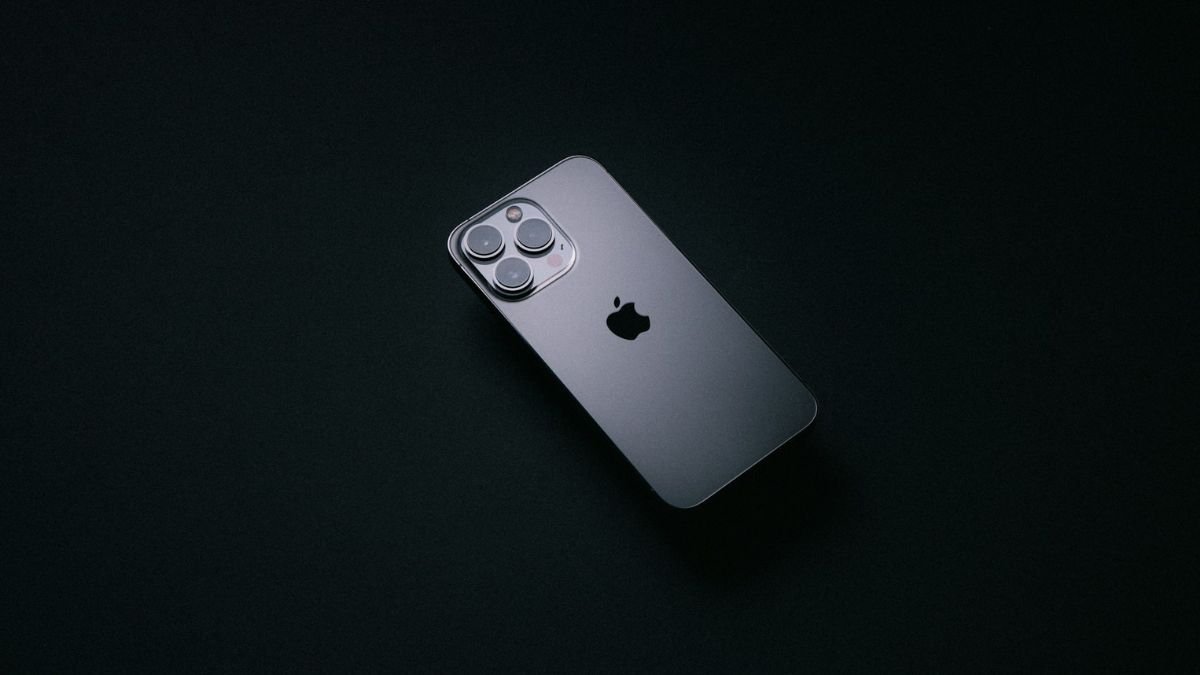
Battery life is one of the most essential factors in the selection or use of a smartphone. Whether you are viewing some video clips, attending a meeting, playing games, or accessing social networks, it is the battery that has a direct impact on your productivity daily, regardless of what phone model you are using.
iPhone 13 has received incredible improvement in battery life over the most recent model, making it one of the most trustworthy devices to be carried around all day. A good performance, but battery life, it offers a balanced experience with efficient power usage, and well-balanced hardware-software integration.
Here, we are going to answer all questions regarding the iPhone 13 battery, like its capacity, performance in the real world, frequently met problems, and smart things to do to prolong its life.
iPhone 13 Battery case and specs
The iPhone 13 still has a lithium-ion battery, but it optimized the battery to be an efficient battery (as opposed to a large battery).
Key Specifications:
- Battery Capacity: ~3,200–3,240 mAh (approx.)
- Video Playback: 15 hours.
- Streaming: Around 10–12 hours
- Audio Playback: 75 hours.
- Fast Charging: 50% within about 30 minutes (20W adapter)
- Wireless Charging: MagSafe (15W) Qi (7.5W).
This will have a much lesser capacity than certain Android devices, but will work incredibly well in the real world since Apple is unsurpassed at optimization.
Real-World Battery Performance
The iPhone 13 has a better battery life among its distinguishing characteristics.
- It has significantly enhanced battery life compared to iPhone 12.
- The test offered around 15 hours of video playback.
- A large number of users can easily have a whole day of usability with one charge.
Even reviews by the professionals show that the iPhone 13 is a beast in battery life and has made significant improvements over the previous ones.
Why does the iPhone 13 battery do so well?
1. B15 Bionic chip efficiency
Design A15 chip is power-saving:
- Optimizes background tasks
- Cuts off unnecessary use of power.
- Improves the overall battery control.
2. iOS Optimization
At Apple, there is close integration of hardware and software which ensures:
- Better app efficiency
- Reduced battery drain
- Smart resource allocation
3. Improved Battery Design
The iPhone 13 provides, in comparison to the older models:
- Larger battery size
- Better thermal management
- Optimized internal layout
Issue with the iPhone 13 Battery
The user may develop a number of problems, whether it was performing well or not:
1. Fast Battery Drain
Causes:
- Background apps
- High brightness
- Location services
2. Battery Health Degradation
Batteries of lithium-ion naturally degenerate.
3. Heating Issues
The frequent usage, i.e., playing video games or video editing, can increase the temperature and reduce the battery capacity.
4. iOS Updates Impact
Some of these updates may have transient effects on battery performance until they are optimised.
How to Check Battery Health?
To check battery status:
- Click on Settings, Battery Health and Charging.
- Check Maximum Capacity
- Turn on Efficiency Battery
- This contributes to increasing long life battery.
Intelligent tips on how to maximize iPhone 13 battery life
Based on the recommendations and best practices made by experts, the following are proven methods of maximizing the performance of batteries:
1. Turn on Low Power Mode
- Reduces background activity
- Limits visual effects
- Prolongs battery when on low charge.
2. Adjust Screen Brightness
- Use auto-brightness
- Reduce brightness manually
- One of the largest consumers of batteries is the display.
3. Disable Background app Refresh
- Click on Settings, General, Background App Refresh.
- Disable unnecessary apps
4. Manage Location Services
- Turn off the location of the unused applications.
- Use “While Using App” option
5. Use Wi-Fi instead of Mobile Data
Mobile networks (5G in particular) are power hungry.
6. Turn on Optimized Battery Charging
This feature:
- Gets to know about your charging patterns.
- Prevents overcharging
- Extends battery lifespan
7. Reduce Notifications
Too many notifications:
- Continue to turn on the screen.
- Drain battery faster
8. Update iOS Regularly
The updates in Apple are:
- Fix bugs
- Improve battery efficiency
9. Avoid Extreme Temperatures
- Battery health is harmed by heat.
- Cold would impair performance in the long run.
To Get More Charge out of your Battery
Do’s:
- Charge between 20%–80%
- Use certified or original chargers.
- DO NOT charge overnight (it is okay to charge but best not all night)
Don’ts:
- Do not empty on a regular basis.
- Not to be used with cheap chargers.
- Do not charge in high temperatures.
After how long should the Battery be replaced?
You may want to change your battery when:
- The battery life decreases below 80%
- Suddenly stopping the device.
- The battery is very power-consuming.
- Apple suggests the replacement as an option for maximum performance.
Conclusion
The iPhone 13 features one of the best and longest-lasting iPhone batteries. It provides most users who have superior hardware with an all-day experience that can be easily optimized with improved software and increased battery life, compared to the older models.
However (exactly like any lithium-ion battery) it belongs to the category of performance that is directly influenced by the use and care of it. Its high smart charge and personal settings allow it to considerably enhance daily consumption and battery sustainability.
The iPhone 13 will continue to offer good value in 2026 to those who favor a balance between performance, reliability, and battery life- demonstrating that smart optimization will keep being the more important aspect of battery size than its physical footprint.
Also Read: 4K Video Player: Choosing the Right Device for Ultra HD Entertainment
About the Author
