
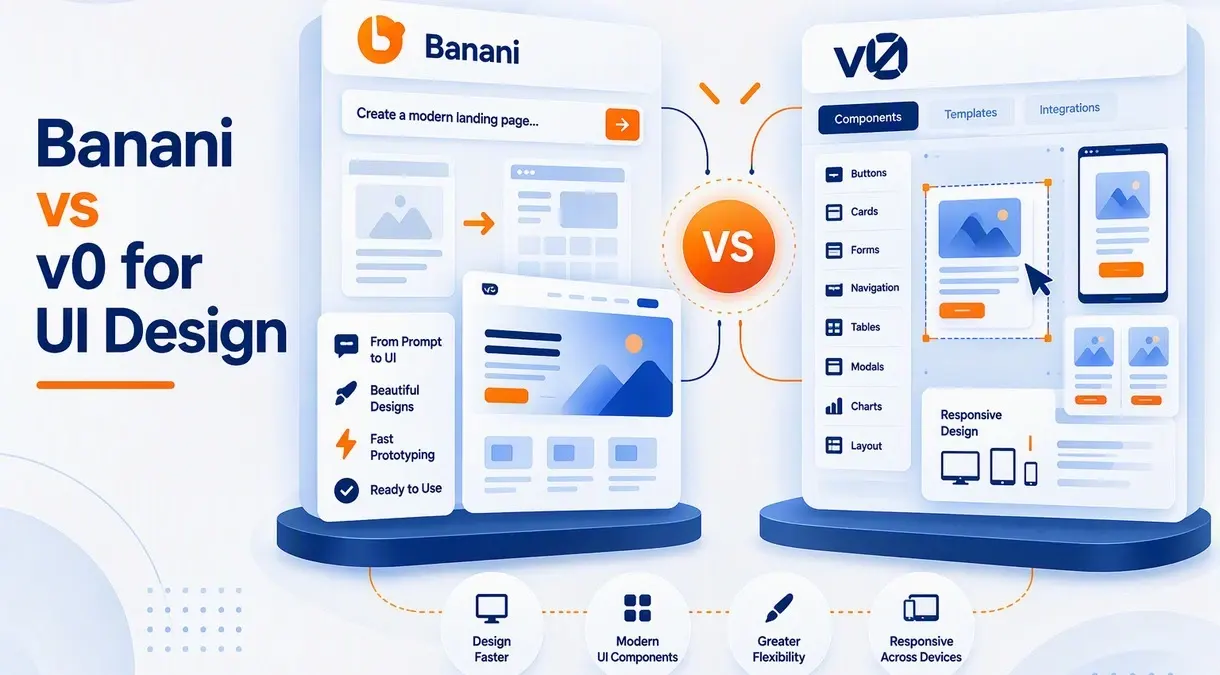
AI has transformed the speed at which teams can take an idea and turn it into a usable interface. The task of designers and developers to plan how a layout could look by sketching wireframes, placing elements, creating CSS, and testing principles over and over again is now part of the past, as designers can command AI to create much of it and programmers to design what they need. Two items that shine respectively in this area are Banani and v0 by Vercel.
Both are capable of producing UI using natural-language prompts, but exhibit workflows designed around different approaches. Banani will use a more AI-first UI design and a prototyping system, whereas v0 is more of an AI application development system that happens to also be extraordinarily capable of UI generation.
Which one is preferable for UI design then? It will depend on whether you care about design exploration and Figma-ready interfaces or code that is production-oriented on the frontend.
What Is Banani?
Banani is one AI UI design platform whose goal is to assist users to transition between product ideas to visual interfaces. Users are able to write descriptions about an application, post a screenshot or reference image, or set product requirements, and Banani is able to create editable, multi-screen UI designs.
The platform has a tendency towards design. It helps in designing UI flows, playing around with different visual paths, editing design via AI chat, and exporting the output to Figma, pictures, HTML/CSS, or code. It is also compatible with existing brand assets, design tokens, screenshots, and Figma references.
Banani is also developing towards an independent AI-agent workflow. Instead of making the user manually activate each screen in the product, its AI UI agent may accept a product requirement or PRD, think over the necessary screens and flows, determine design patterns, and then create a more complete interface.
This makes Banani specifically useful to UI designers, product managers, founders, and teams that might need visual ideas to be produced prior to development commencing.
What Is v0?
v0 is created by Vercel, and it is more developmental. It translates natural-language descriptions into UI and application code, and has robust React, Next.js, Tailwind CSS, and shadcn/ui support. According to Vercel, it is a platform that can convert projects that are started with simple landing pages into full-stack applications.
In the case of UI work, one of the largest advantages of v0 is that the interface produced is not merely a fixed mock-up. It is written as real frontend code that can be edited, then integrated into a project, and finally deployed.
It has shadcn/ui as its default component system and is compatible with other libraries and frameworks. And, It is especially handy with Tailwind and React integration because the final plan is to convert a design idea into a working web product.
The difference is inherent, with Banani beginning at the design workflow and v0 beginning nearer to the product-development workflow.
Banani vs v0: UI Design Quality
For pure visual exploration, Banani has an important advantage.
Banani is founded on the idea of acting as an interface designer instead of merely creating frontend code. You are able to create numerous screens and visual directions, plan flows on a design canvas, change with natural-language directions, and export the completed job into Figma. Its capability of working with screenshots, Figma links, and brand references will also come in handy in redesigning current products.
This makes Banani a strong choice when the question is:
“What should this product look like?”
v0 is better suited to the next question:
“How can I build this interface?”
That does not imply v0 comes up with bad designs. Actually, v0 is created so that it creates sleek React interfaces and has the potential to come up with quality layouts with shadcn/ui and Tailwind. Its Design Mode also enables users to make changes in typography, layout, color, copy, and styling without manually manipulating code to make any visual correction.
However, the overall experience remains more closely connected to development.
Winner for design exploration: Banani.
Banani vs v0: Prototyping
Banani is specifically powerful when it comes to the creation of a user journey prototype.
Consider, e.g., a food-delivery app you are developing. Rather than just building out a restaurant card or a homepage, you can ask Banani to build the full experience: onboarding, restaurant discovery, search, restaurant details, cart, checkout, and order tracking. Its AI agent is also able to reason across multiple screens and maintain design choices as it iterates.
This can be handy for product managers and designers who must convey an idea on paper before the engineering process begins.
Multi-page applications can also be developed with v0, although it can mostly be seen as most beneficial when the screens become usable frontend experiences. You can request it to build a landing page, dashboard, SaaS application, e-commerce interface, or any other web experience and keep iterating to working code.
Winner for functional prototyping: v0.
Banani vs v0: Figma Workflow
This is one more aspect where Banani has a distinct edge over traditional UI designers.
Banani clearly approves of sending designs to Figma and collaboration with Figma references. It can thus be included in a workflow whereby AI is explored, but the main design workspace of Figma is refinement, handoff, and collaboration.
Strength of v0 is elsewhere. The result of its output should be usable application code. Despite the fact that v0 is capable of being based on imported designs and screenshots, its strength does not lie in pushing Figma out of the task of being a design environment and instead decreasing the gap between an idea and operable software.
When your team states that they require something that they can drag to Figma and work on, Banani should be the more instinctive one.
When the team claims, “We require something that we can add to the codebase, v0 would be a lot more appealing.
Banani vs v0: Developer Workflow
This is the point at which v0 drags a long way out.
v0 produces real frontend code and is tightly linked to React, Next.js, Tailwind CSS, and shadcn/ui. Created components may be used in an existing application instead of only being considered as visual prototypes. Vercel also places v0 as a platform to transition the idea into development and deployment.
The fact that its shadcn/ui integration means that developers can access component source code is especially handy since they are not compelled to use black-box components. It simplifies the venture of generating interfaces and incorporating them into an existing React project.
Although Banani does provide code export and links to coding agents, Banani should not be considered a design-only tool. However, visual design and product prototyping are always at heart.
Winner for developers: v0.
Banani vs v0: Ease of Use
Banani can be more natural to a person who does not have great knowledge of code.
The process can be defined as follows: product description, creation of the screens, inspection of the visual outcome, repeat, export. This is a mental model of a traditional UI designer.
v0 can also be used by non-developers, though to get full performance, one needs to understand the implementation of web interfaces better. Timely quality is important, and learning how React components, reactivity, Tailwind, and design systems work may significantly enhance the efficacy of iteration. Even Vercel itself stresses that narrower prompts tend to yield higher-quality results.
Thus, the learning curve will greatly depend on the objective of the user.
For designers and non-technical users: Banani.
For developers and technical founders: v0.
Final Verdict
Banani should be selected in the event UI design is of greatest priority to you. It particularly comes in handy when you wish to work with visual concepts, produce end-to-end product flows, operate using screenshots or PRDs, create editable designs, collaborate with stakeholders, and finally transfer the project to Figma or code. Its AI-agent platform is also appealing when it has to work on creating multiple screens without having to prompt each screen manually.
Use v0 when you want to create the interface. The choice is more powerful in cases where the design must be transformed into React/Next.js code, bridged with actual application code, developed with a developer-friendlier design system, and ultimately released as a production web application. Its strong integration with Tailwind, shadcn/ui, React, and Vercel enables it to be far more beneficial to developer-driven processes.
The simplest way to think about the comparison is:
Banani = design the product.
v0 = build the product.
In the case of a product team that makes decisions professionally, though, there does not always need to be an either/or option. A designer might take their concept to Banani to quickly test out the direction of the product, define the visual experience, move the approved design to Figma and design system polishing, and deploy it to v0 to develop frontend production code. That bundle can decrease the distance between design experimentation and action instead of compelling an AI device to take part in each phase of the workflow.
Also Read: Windsurf Pricing 2026 Explained
About the Author
